
Colors
See your colors
Try a color on your own photo. The picture stays in this browser unless you send it for a free bid.
Upload a photo or use a finished exterior from our gallery. Tap a surface, pick a color, and refine the edge with the brush. Shift-tap, or Remove, takes a surface back out. 907 Painting & Drywall LLC will confirm the real paint with samples before any work.
Colors on screen are approximate. We'll confirm with real samples before painting.
1. Photo
Choose a photo, or try the sample house.
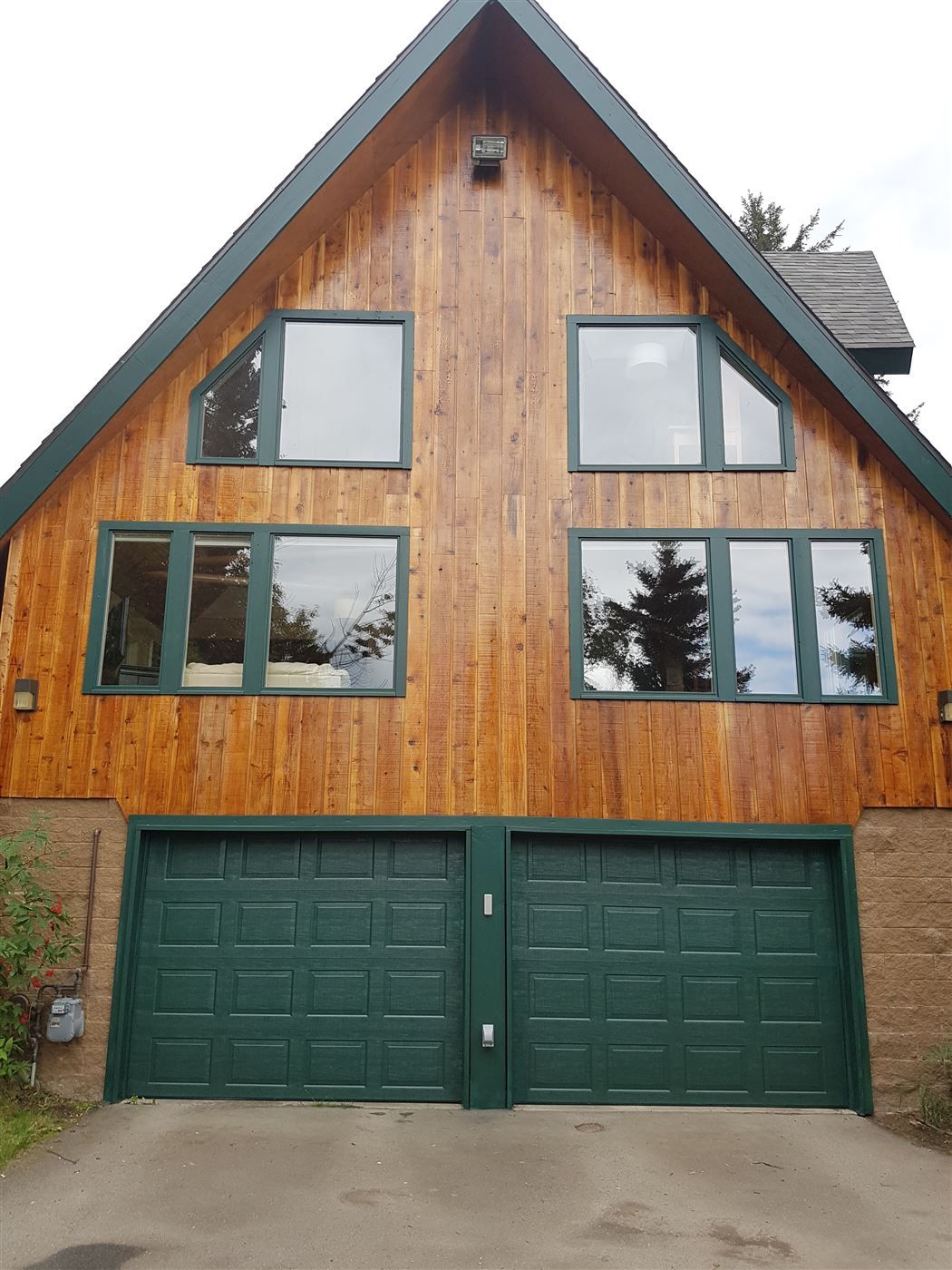
The sample is a real cedar house from a 907 job. The photo stays in this browser until you send it.
2. Tap a surface
Tap a surface to select it. Shift-tap or Remove clears part of it. The brush works while a photo is preparing.
3. Pick a color
Whites / Neutrals
Grays
Blues
Greens
Reds / Earth
Darks
Siding is Deep Navy. Trim is Warm White. Door is Barn Red.
Colors on screen are approximate. We'll confirm with real samples before painting.